Prefer to play? This chapter is also an interactive Livebook where you can drag
talong the curve and race the ready-made curves against each other.
Make a curve
The quickest way to get a curve is to pick a ready-made one by name:
curve = Curves.define_bezier(:ease_in_out)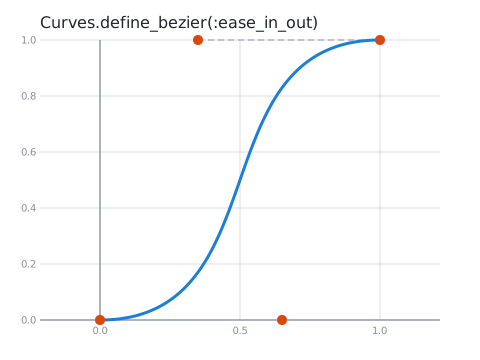
To see your curve, draw it with Curves.Svg:

Curves.Svg.save!(curve, "my_curve.svg")Every picture in this tutorial was drawn that way. In each one:
- the blue line is the curve,
- the orange dots are the points that shape it,
- the dashed lines show which point pulls on which part of the curve,
- and the grid shows the real
xandyvalues.
Moving along a curve with t
Think of the curve as a road. t says how far along the road you are: 0.0 is the start, 1.0 is the
end, and 0.5 is halfway. Curves.solve!/2 turns a t into an {x, y} point:
Curves.solve!(curve, 0.0)
#=> {0.0, 0.0}
Curves.solve!(curve, 0.5)
#=> {0.5, 0.5}
Curves.solve!(curve, 1.0)
#=> {1.0, 1.0}
Here are the points for t = 0, 0.25, 0.5, 0.75 and 1 (in purple):
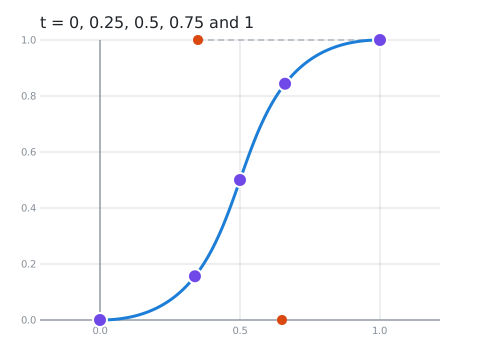
Notice that they are not evenly spaced. t is "how far along the road" in time, not in distance: the
curve starts slowly, rushes through the middle, and slows down at the end. That is exactly what makes
:ease_in_out feel smooth in an animation.
Many points at once with take
To draw a curve, or to animate something along it, you usually want lots of points. Curves.take!/2
gives you n of them, evenly spaced in t:
Curves.take!(curve, 10)
#=> [{0.17, 0.03}, {0.29, 0.1}, ...]  (10 points, rounded here)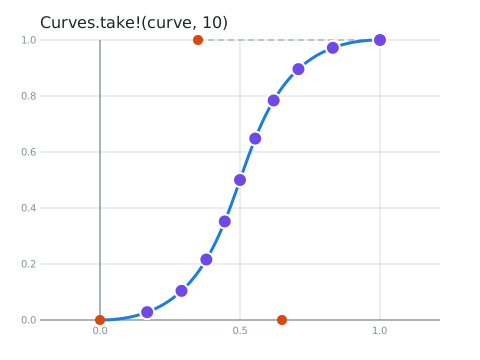
take starts after the start: its points are at t = 0.1, 0.2, ... 1.0. Add Curves.solve!(curve, 0.0)
if you need the very first point too.
When things go wrong
solve!/2 and take!/2 raise an error when something is wrong. Their siblings solve/2 and take/2
return {:ok, result} or {:error, reason} instead, so you can handle the problem yourself:
Curves.solve(curve, 0.5)
#=> {:ok, {0.5, 0.5}}

Curves.solve(curve, 1.5)
#=> {:error, {:out_of_bounds, 1.5}}
The ready-made curves
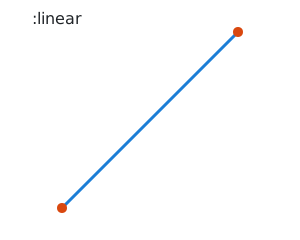
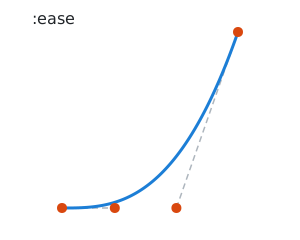
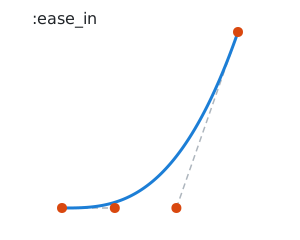
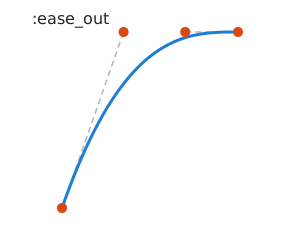
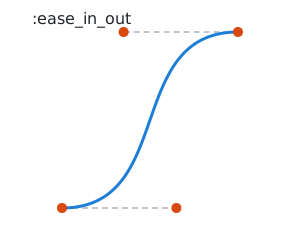
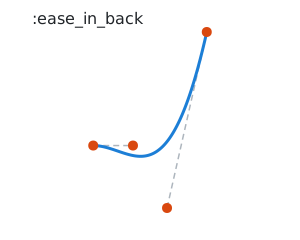
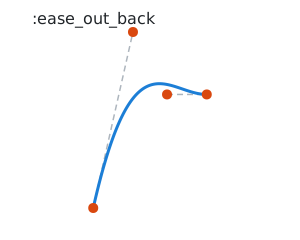
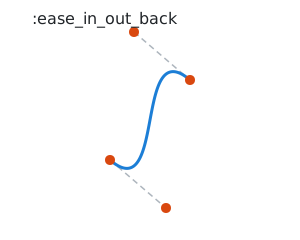
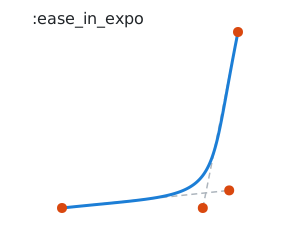
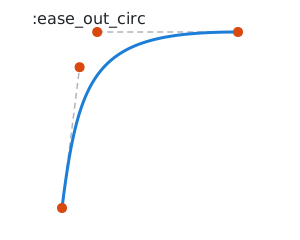
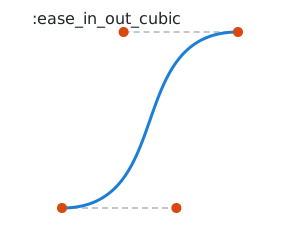
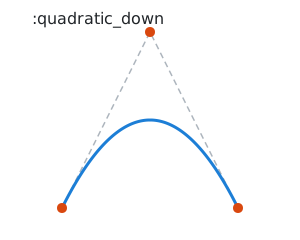
Curves comes with the classic easing curves from CSS and animation tools, plus a few simple shapes.
Curves.Bezier.Predefined.list/0 lists all of their names. Here are some favourites:
 |  |  |
 |  |  |
 |  |  |
 |  |  |
The _back curves overshoot: they go a little past the start or end before settling, like a ball
bouncing off a wall.
Next: Bezier curves, where you make your own.